
Basic IT Skills for Adult Care Workers
About Course
Basic IT Skills for Adult Care Workers is a practical, beginner-friendly course designed to help adult social care workers develop the essential digital skills needed in their everyday work.
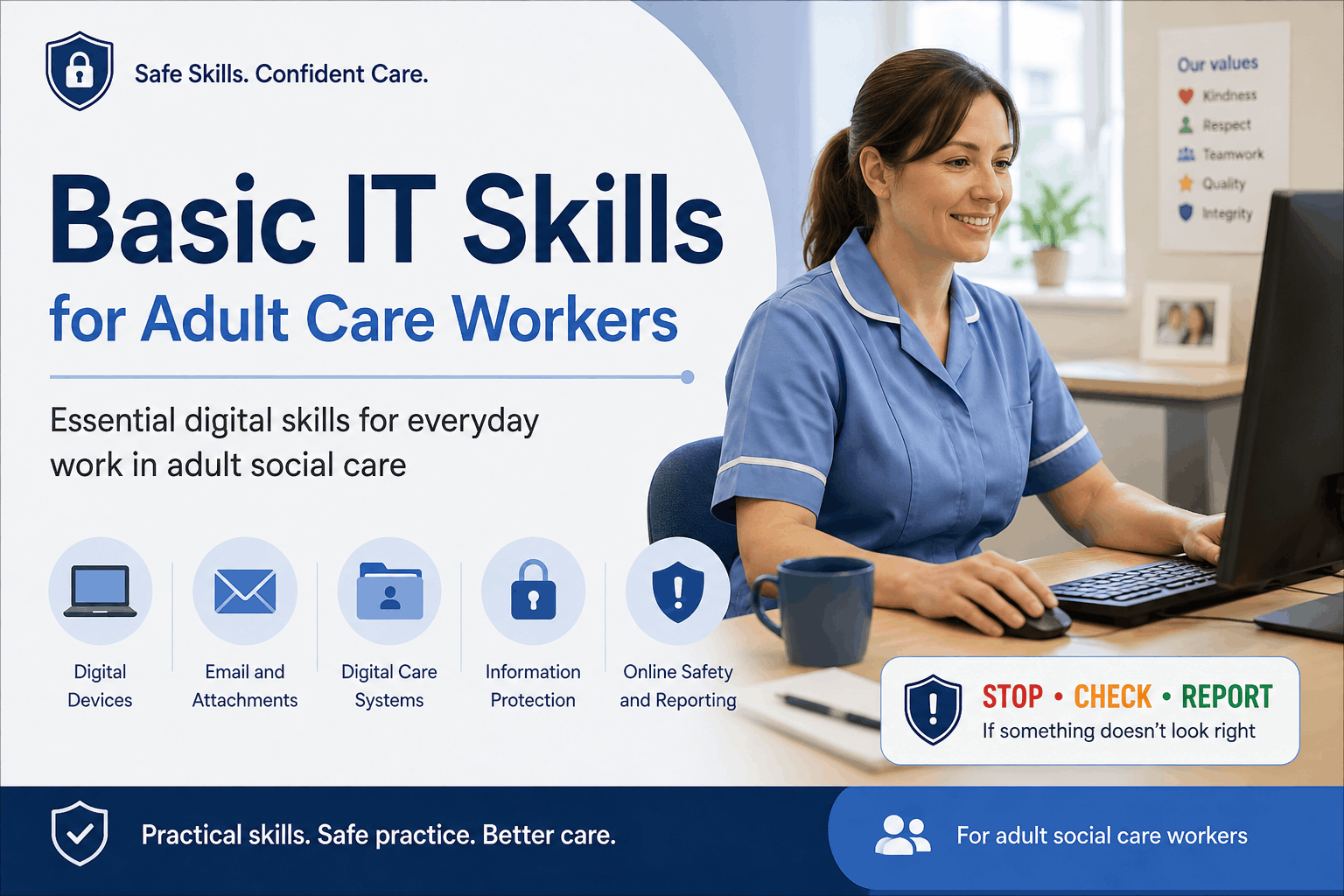
In just 60 minutes, learners will build confidence using computers, tablets and smartphones, communicating professionally by email, and using digital care systems safely and accurately.
The course also introduces essential data protection, confidentiality and cyber security principles, including creating secure passwords, recognising phishing attempts, protecting service-user information and knowing how to report digital security concerns.
Using simple explanations and realistic care-based examples, this course is suitable for care workers with little or no previous IT training.
By the end of this course, learners will be able to:
-
Use common digital devices with greater confidence.
-
Navigate basic apps, browsers and workplace systems.
-
Use work email professionally and safely.
-
Record and handle digital care information accurately.
-
Understand basic confidentiality and data protection responsibilities.
-
Recognise common online and cyber security risks.
-
Take appropriate action when an IT or information security concern occurs.
Duration: Approximately 1 hour
Level: Beginner
Delivery: Online, self-paced
Suitable for: Care assistants, support workers, domiciliary care workers, residential care staff and other adult social care workers in the UK.
What Will You Learn?
- Use common workplace computers, tablets and smartphones with greater confidence
- Use basic keyboard, mouse and touchscreen controls
- Recognise apps, web browsers, Wi-Fi and common device symbols
- Use work email and attachments appropriately
- Use digital care systems safely and responsibly
- Create clear and accurate digital care records
- Protect confidential and sensitive information
- Use passwords, PINs and workplace devices securely
- Recognise common signs of phishing and suspicious messages
- Know when and how to report digital and information security concerns
Course Content
Module 1 – Essential Digital Skills
Approximate duration: 20 minutes
Welcome
Digital technology is now part of everyday adult social care.
You might use a smartphone to check your rota, a tablet to record care, a computer to complete training, or an electronic care system to read important information about a person you support.
You do not need to be an IT expert.
This module will introduce the basic digital skills you need to use common devices confidently and safely at work.
By the end of this module, you should be able to:
Recognise common digital devices used in care.
Use a keyboard, mouse and touchscreen for basic tasks.
Understand the difference between apps and web browsers.
Connect a device to Wi-Fi.
Try simple steps when something is not working.
Know when to stop and ask for help.
-
-
Lesson 2: Using Computers, Tablets and Smartphones
-
Lesson 3: Keyboard, Mouse and Touchscreen Basics
-
Lesson 4: Apps, Browsers, Wi-Fi and Simple Troubleshooting
-
Module 1 Knowledge Check: Test Your Digital Basics
Module 2: Email and Digital Care Systems
Approximate duration: 20 minutes
Digital communication and electronic care systems are now part of everyday work in many adult social care services.
You may use technology to receive information from your manager, check your rota, communicate with colleagues or record the care and support you have provided.
This module will help you use these systems confidently, professionally and safely.
By the end of this module, you should be able to:
Recognise the main parts of a work email.
Send and reply to emails appropriately.
Use email attachments safely.
Communicate professionally using digital systems.
Log in to workplace systems securely.
Enter care information accurately.
Protect your login details.
Log out or lock a device when you have finished.
-
Lesson 1: Work Email Basics
-
Lesson 2: Sending, Replying and Using Attachments
-
Lesson 3: Using Digital Care Systems
-
Lesson 4: Accurate Records and Safe Logout
-
Module 2 Knowledge Check: Email and Digital Care Systems
Module 3: Online Safety and Information Protection
Approximate duration: 20 minutes
Digital technology makes it easier to communicate, access care information and complete everyday tasks. It is also important to use technology safely and protect the information of the people you support.
In this module, you will learn how to handle confidential information appropriately, understand the basic principles of UK data protection, keep passwords and devices secure, and recognise suspicious emails or messages.
You will also learn what to do if you make a mistake or notice something that could put information at risk.
By the end of this module, you should be able to:
Recognise confidential and sensitive information.
Understand your responsibility for protecting information at work.
Apply basic UK GDPR and data protection principles in everyday care work.
Use passwords, PINs and workplace devices securely.
Recognise common signs of phishing and suspicious messages.
Avoid unsafe links, attachments and requests for login information.
Know when and how to report an information security concern.
Important: You are not expected to be a data protection or cybersecurity expert. Your responsibility is to follow your organisation's policies and procedures, protect information when using digital systems, and ask for support when you are unsure.
-
Lesson 1: Confidentiality and Sensitive Information
-
Lesson 4: Phishing, Suspicious Messages and Reporting Concerns
-
Lesson 2: Understanding UK GDPR and Data Protection
-
Lesson 3: Passwords, PINs and Device Security
-
Module 3 Knowledge Check: Staying Safe Online
-
Course Summary and Next Steps